Categories

Video Recording Ministry

This guide is to be used for those members at the Branches that record and upload Focus Talk and Spiritual Reflections.

Table of Contents

Logging in to Vimeo

  1. On your computer, open a web browser and go to https://vimeo.com.
  2. Type in your branch email address and password and choose ‘Log in with an email.’ The email addresses for the Recording Branches are as follows:
    • Annunziata@thecornerstonescripturestudy.org
    • MaryQueenOfPeace@thecornerstonescripturestudy.org
    • StAnthonyAM@thecornerstonescripturestudy.org
    • StJoseph@thecornerstonescripturestudy.org

Select the proper place to upload to

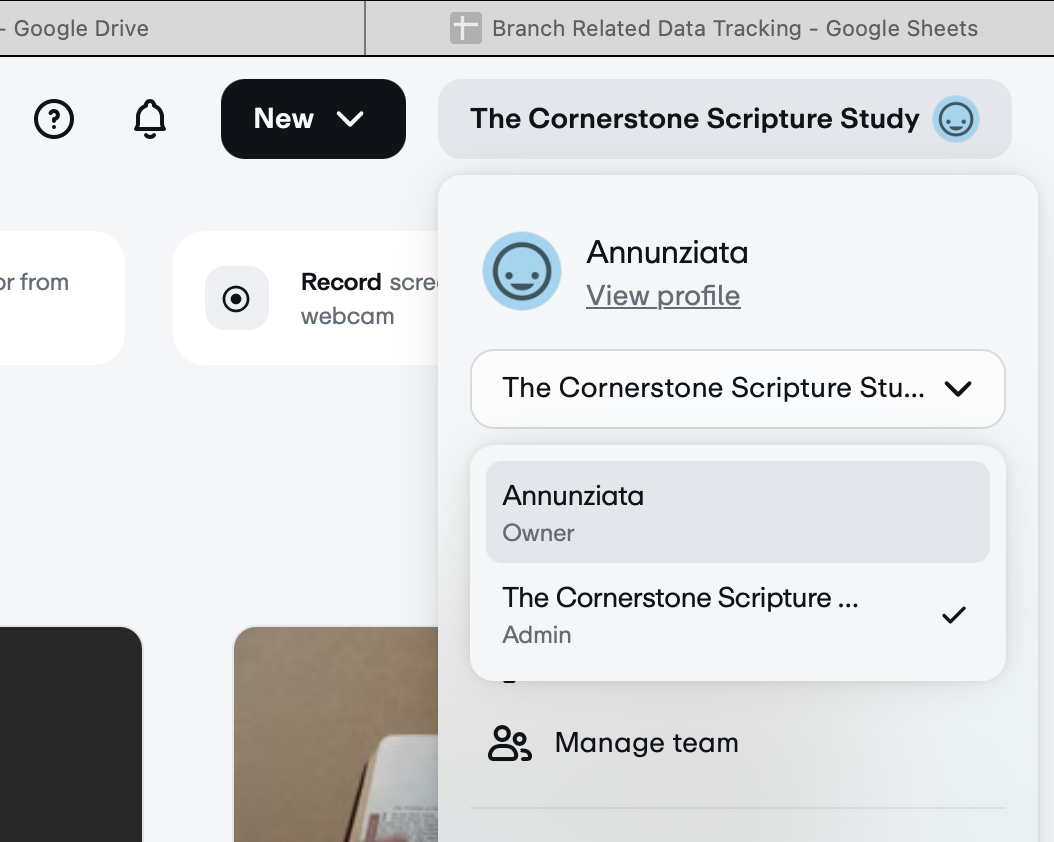
When you sign in to Vimeo, you are directed to your own Branch channel. However, you need to make sure to select the channel for the Cornerstone by following this step: 

  1. Click on your name in the top right corner of the page
  2. Select ‘The Cornerstone Scripture Study’ from the dropdown menu.
  3.  

Upload the Video to Vimeo

Uploading a video is a 2-part process. It may seem awkward or burdensome at first, but once you practice it this will become routine.

First, the video must be uploaded to the library.

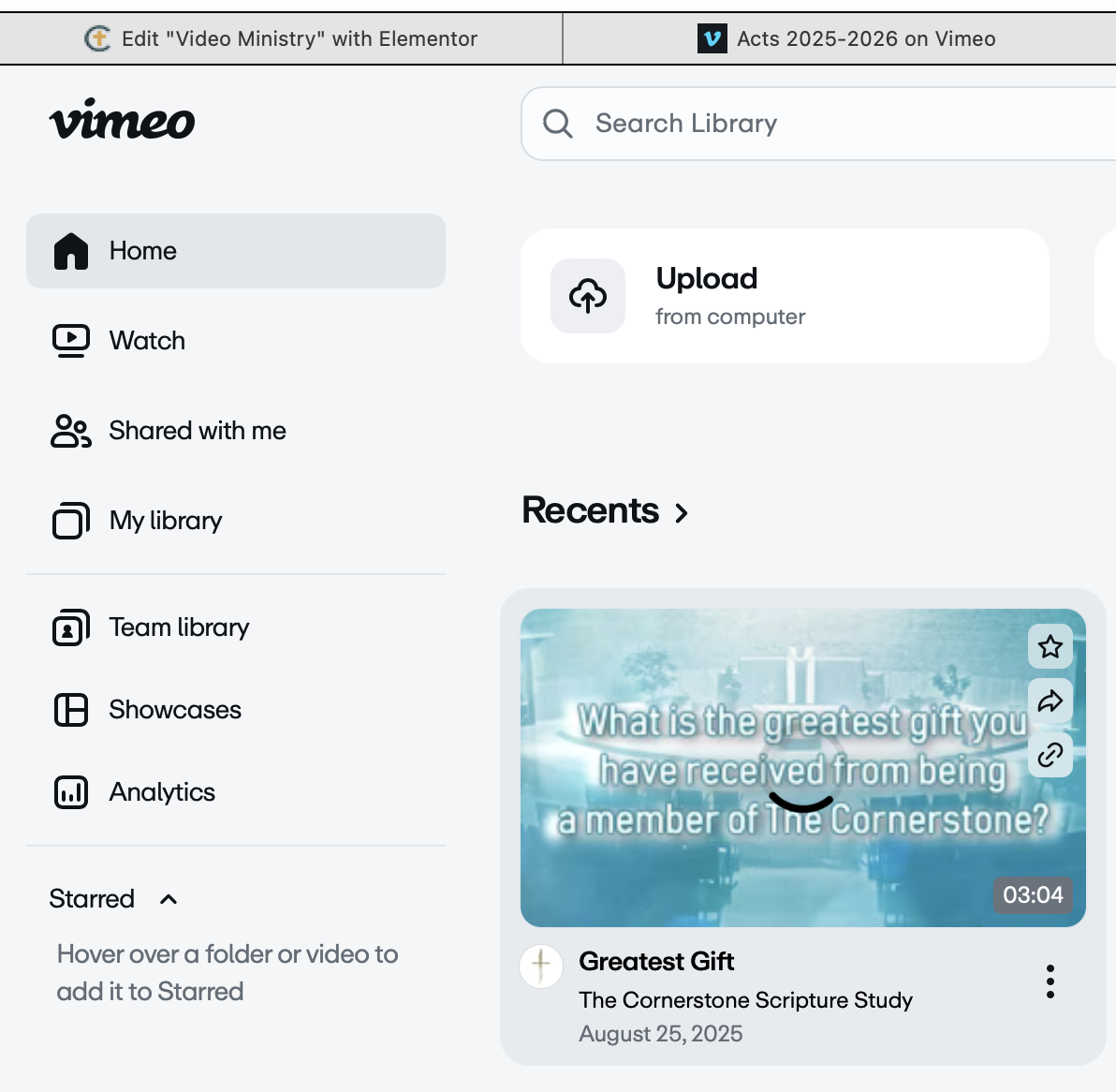
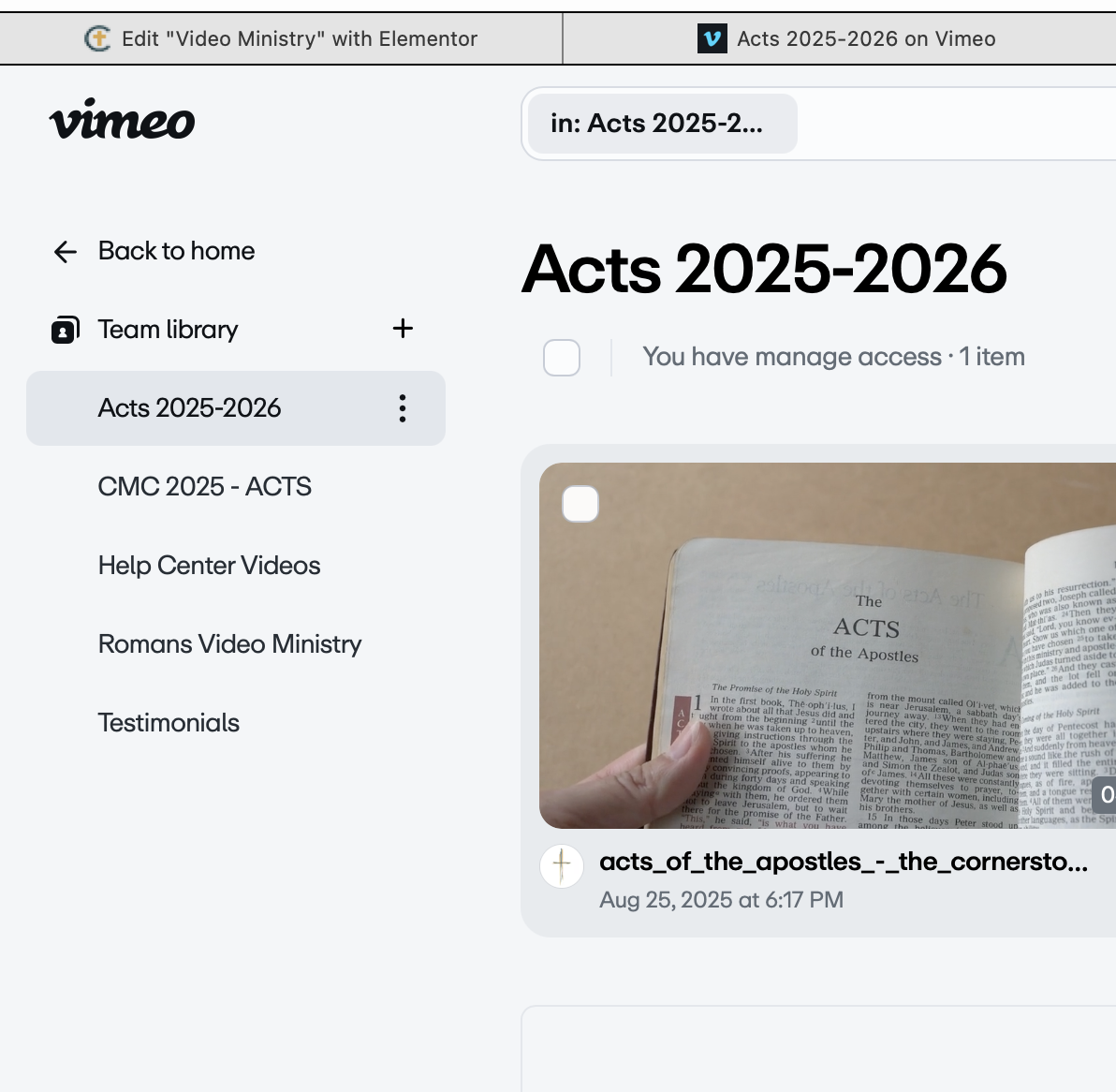
  1. On the left hand menu, click on ‘Team Library.’

     2. Click on ‘Exodus 2026-2027’

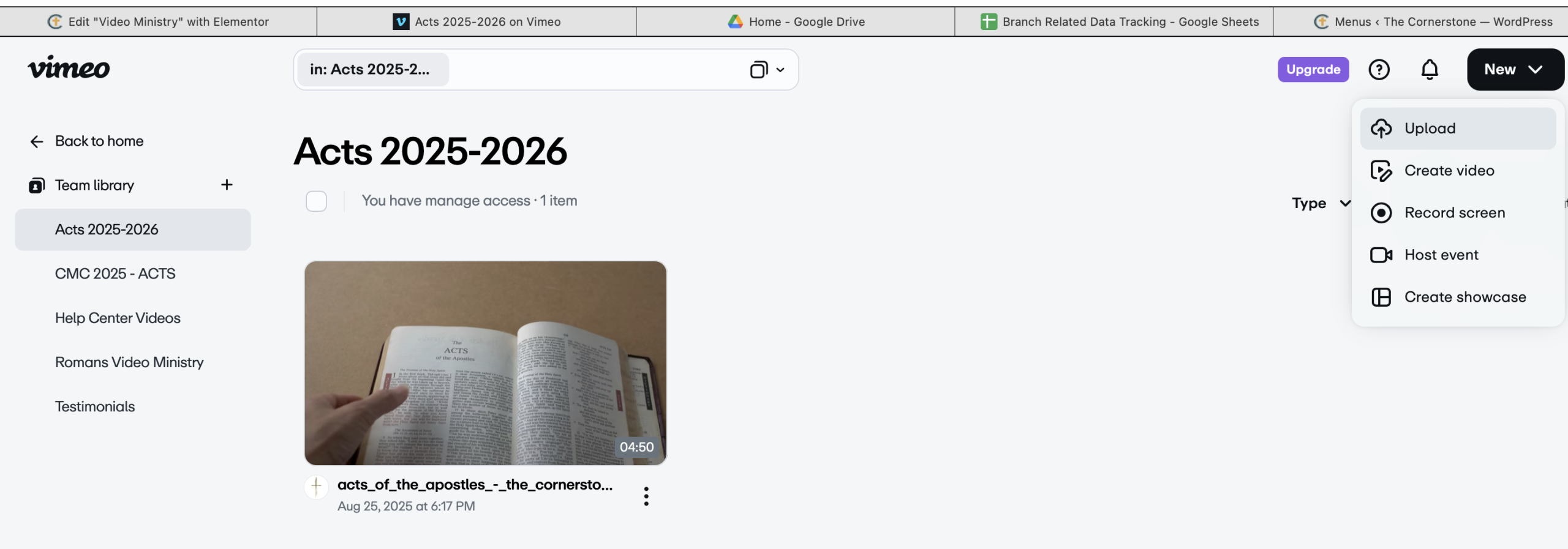
     3. Click on ‘New’ on the top menu and select ‘Upload.’

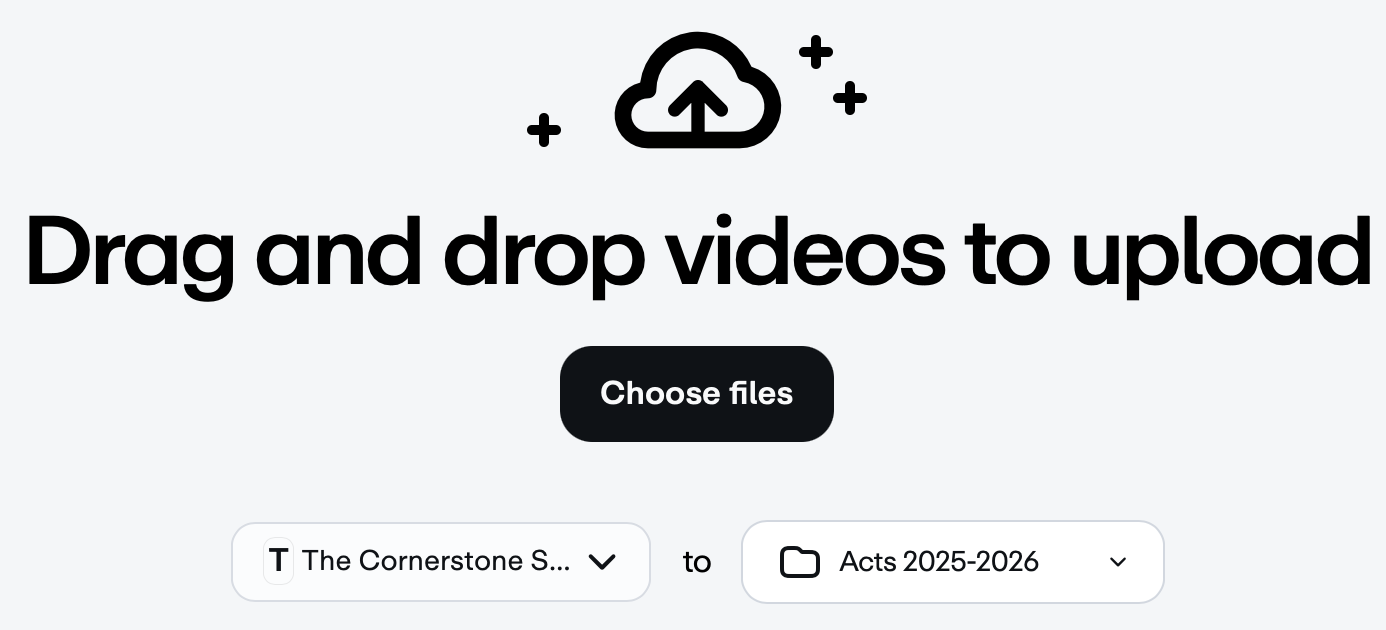
     4. Either drag and drop a video or click on ‘Choose files’ Make sure that Acts 2025-2026 is shown as the folder location.

When the video is uploading, you can edit it, including the title, description, the thumbnail (which is the picture shown when the video is not playing), and other items. Vimeo allows users to search and filter videos based on criteria, so while there is no set title required,, feel free to use words like your branch name, the name of the person, which lesson it is, etc.

Make the video available on the Cornerstone Website

The Technology Team will upload this video onto the video ministry page! This should be done within a week.. 

Need help? Email web-help@thecornerstonescripturestudy.org to contact the Technology Team.

Scroll to Top